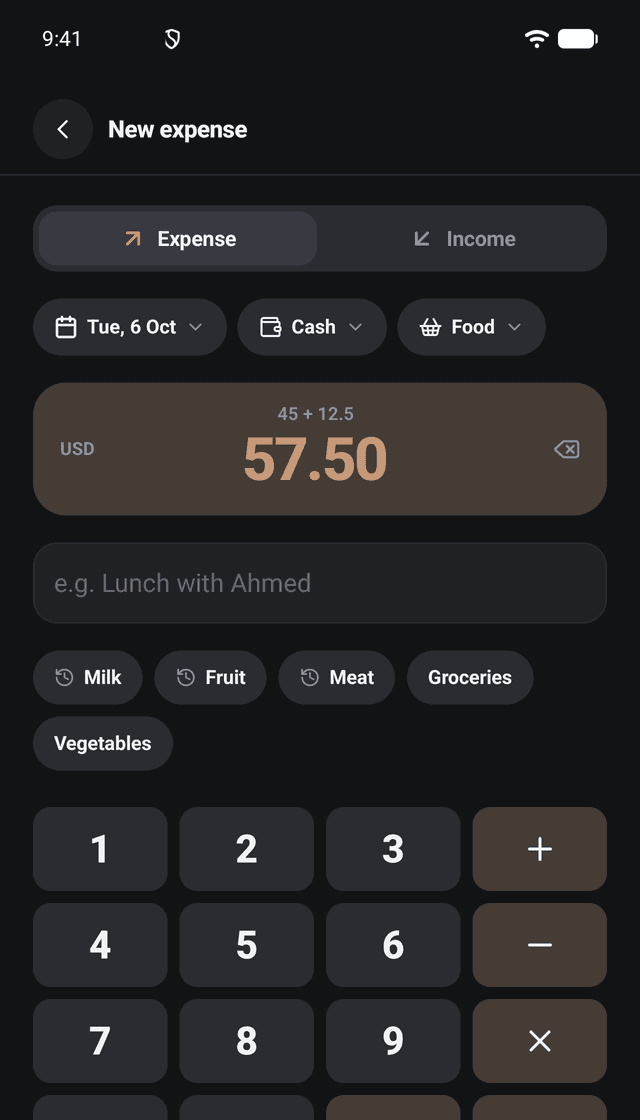

An entry in seconds
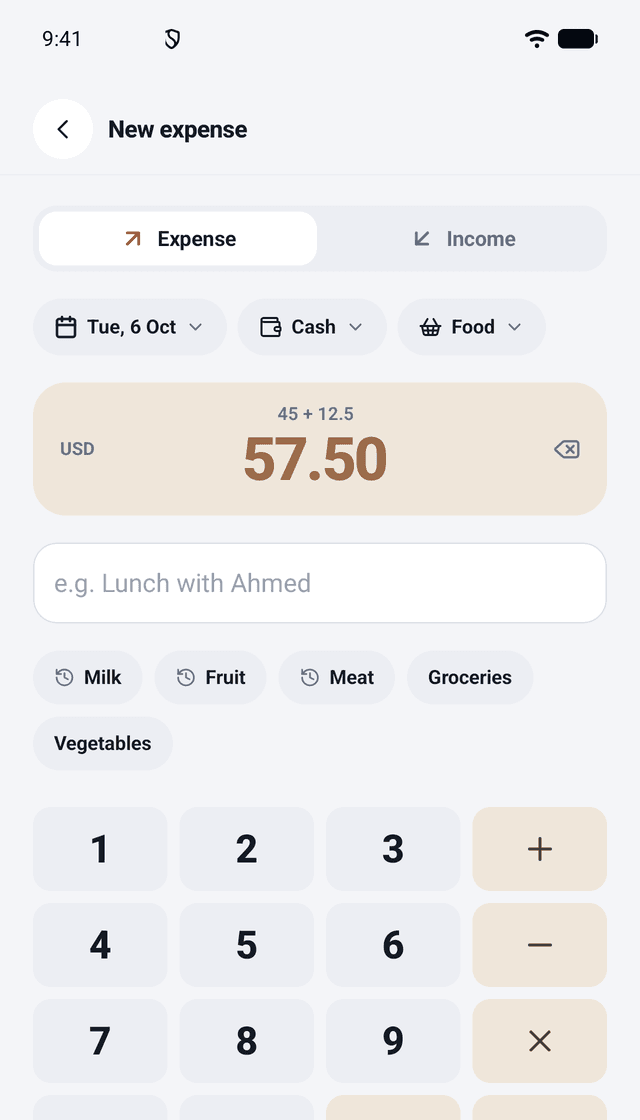
A calculator keypad (+ − × ÷), Today or Yesterday in one tap, the account and the category, and a note with suggestions: your recent notes and ideas for the category.
 Minibooks Expense
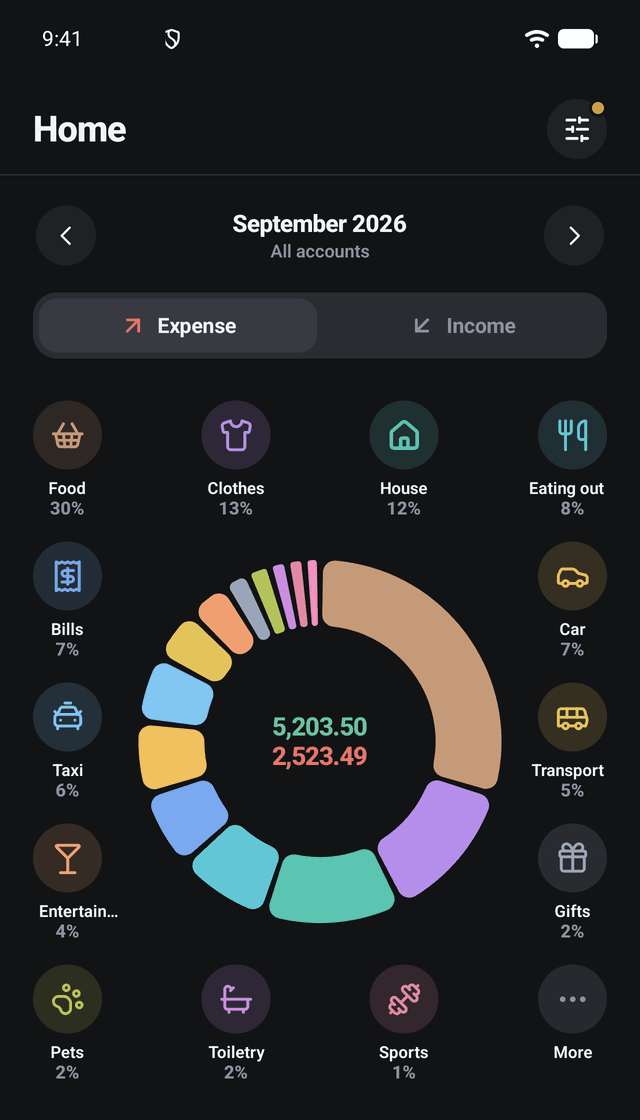
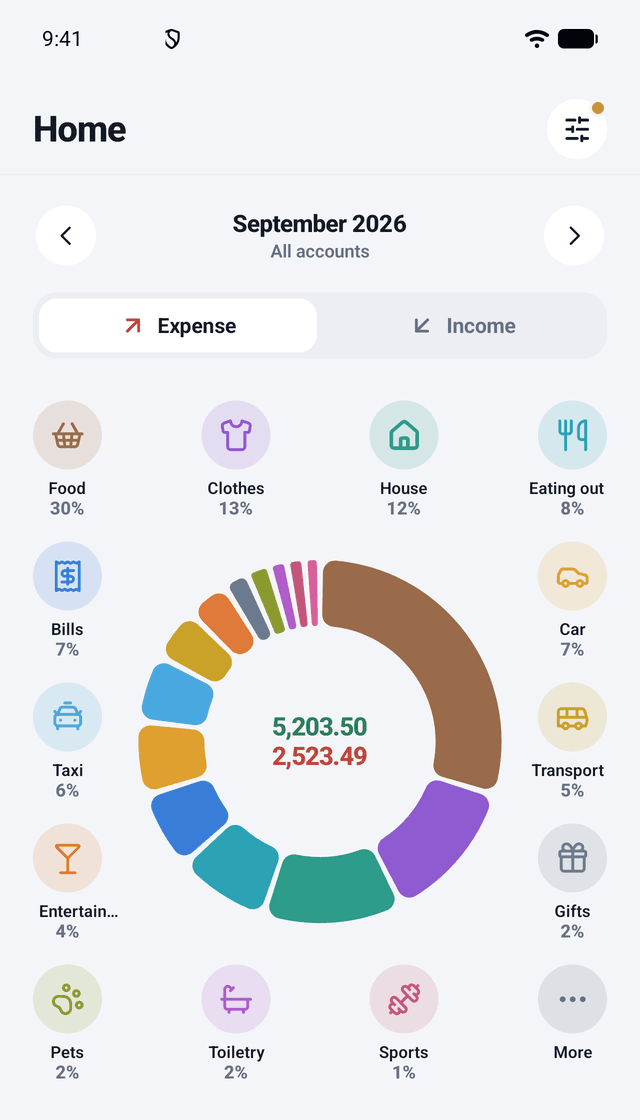
Minibooks Expense keeps your income and expenses by category. Home shows the period's spending as a chart with your categories round it: tap one to add an expense to it. It works offline from the first launch, with no account and no ads; sign in with Google to back it up and bring it back on a new phone.
By Exabyte Software Solutions · support@exabyte.com.pk
Features
A calculator keypad (+ − × ÷), Today or Yesterday in one tap, the account and the category, and a note with suggestions: your recent notes and ideas for the category.
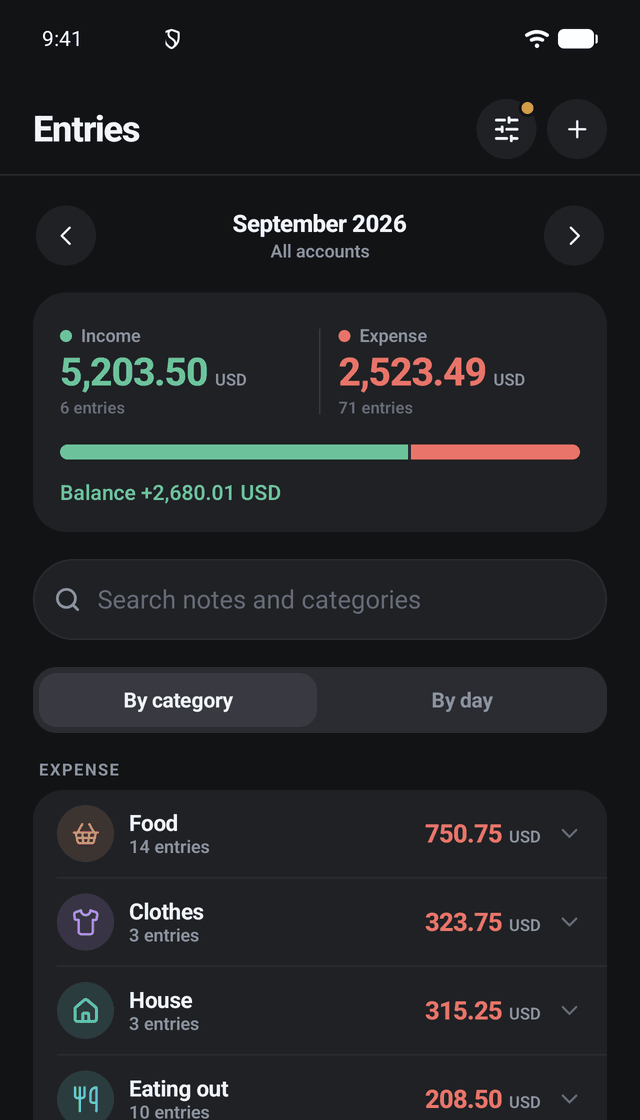
By category or by day, with the totals for the period. Search your notes and categories to find any entry.
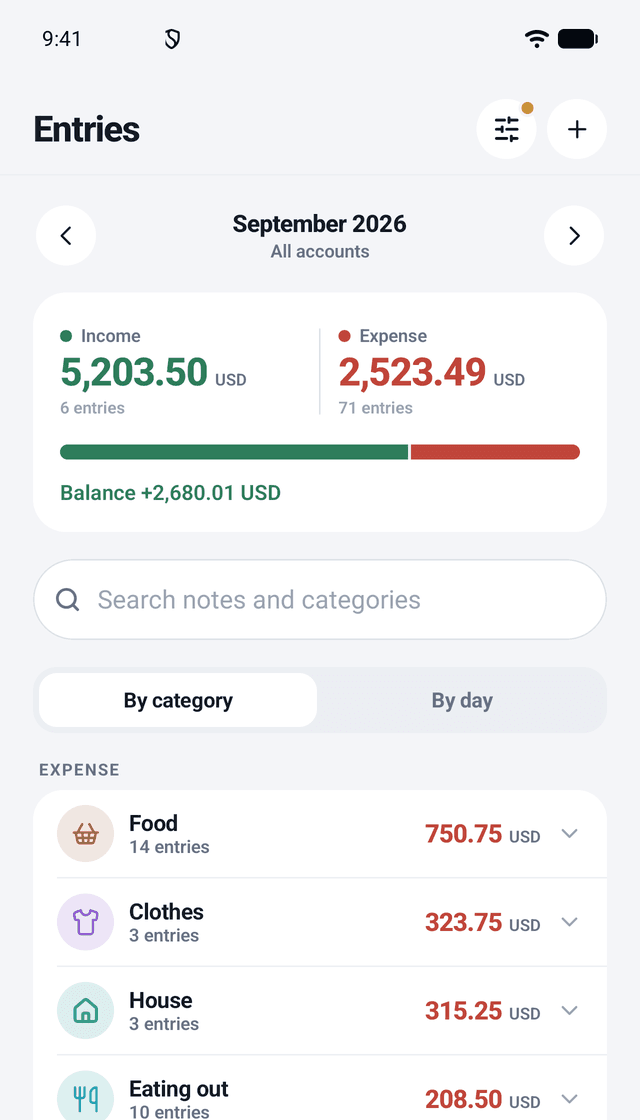
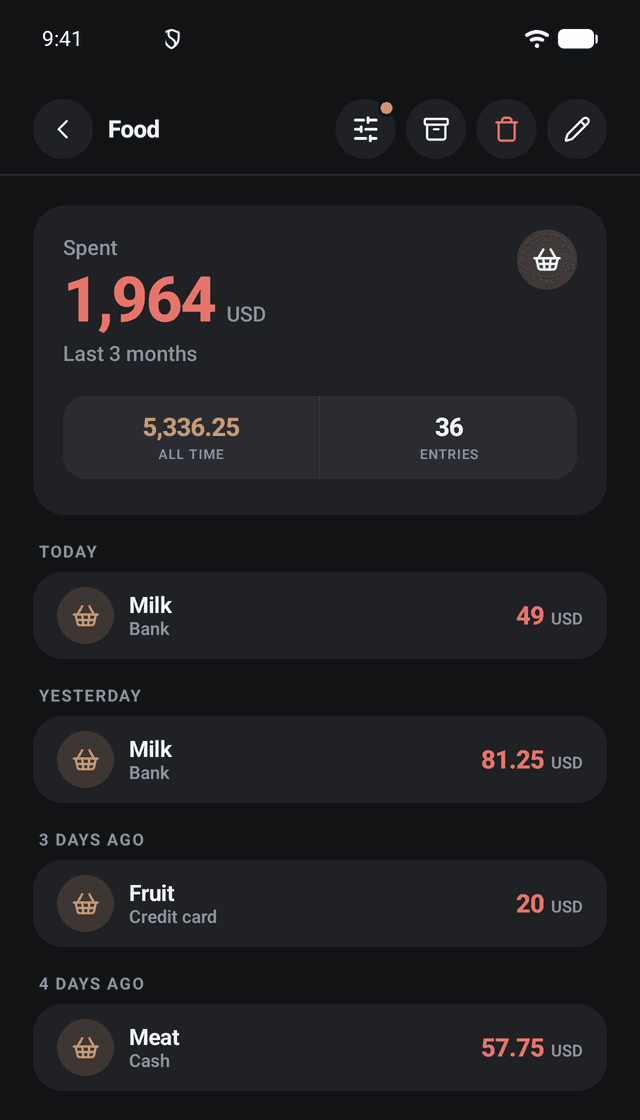
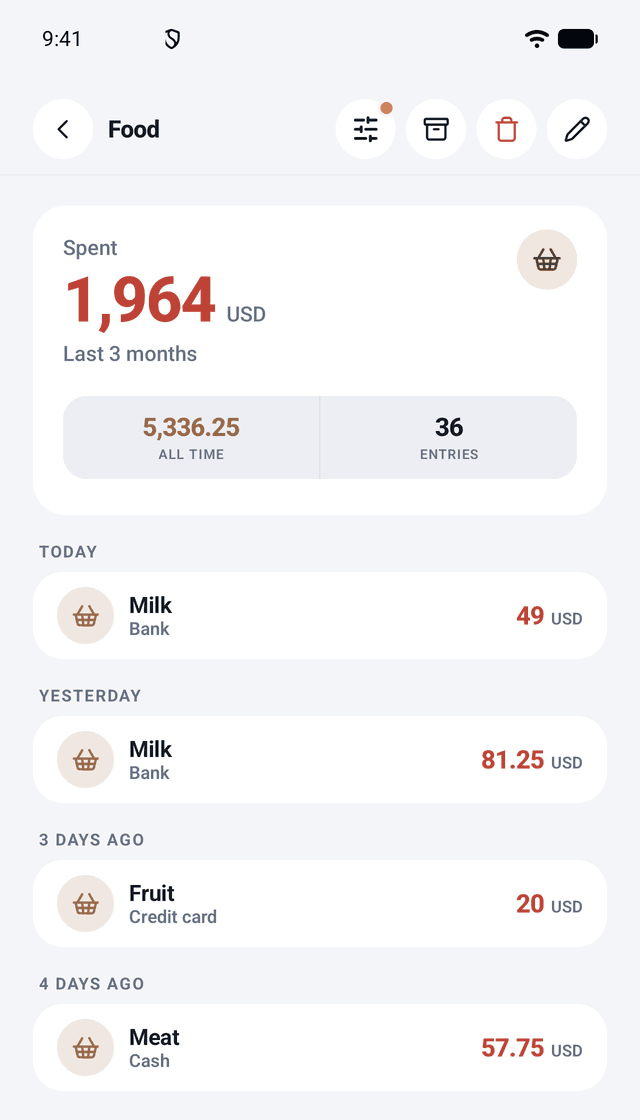
Fifteen expense and four income categories to start, and your own with an icon and a colour. Each has its own page with every entry and the totals for any dates.
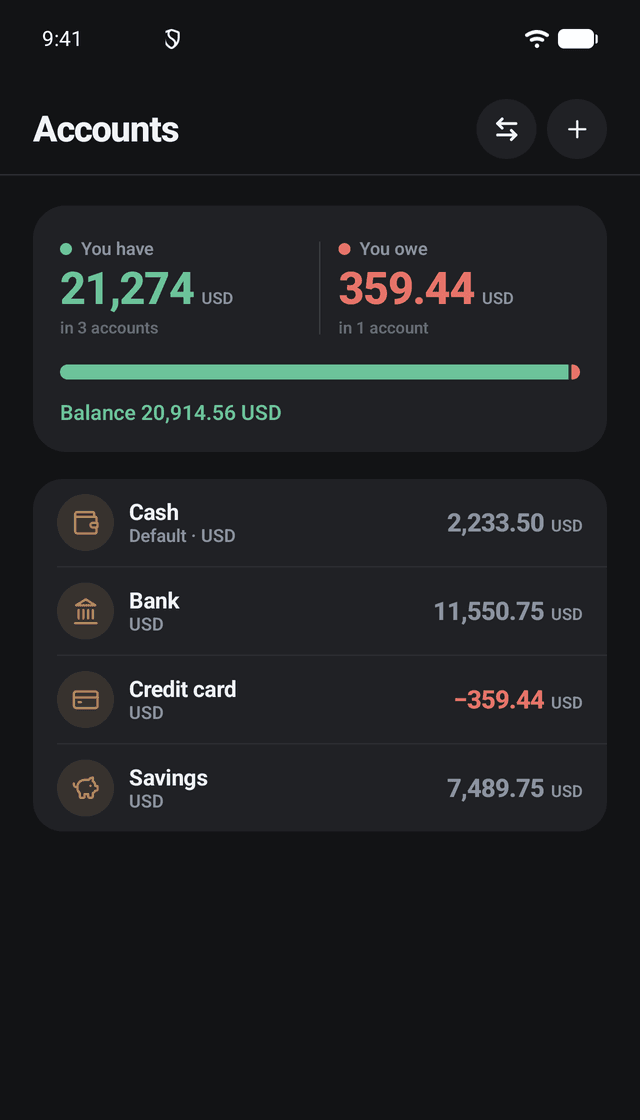
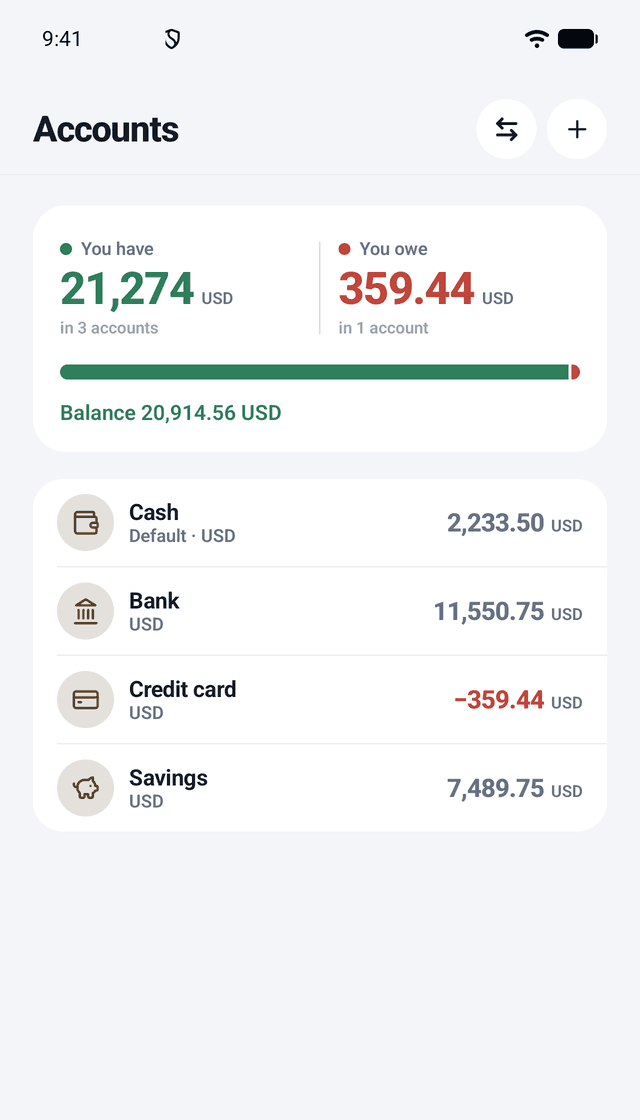
Each account in its own currency, with the balance after every line. Move money between accounts; between two currencies you type both amounts.
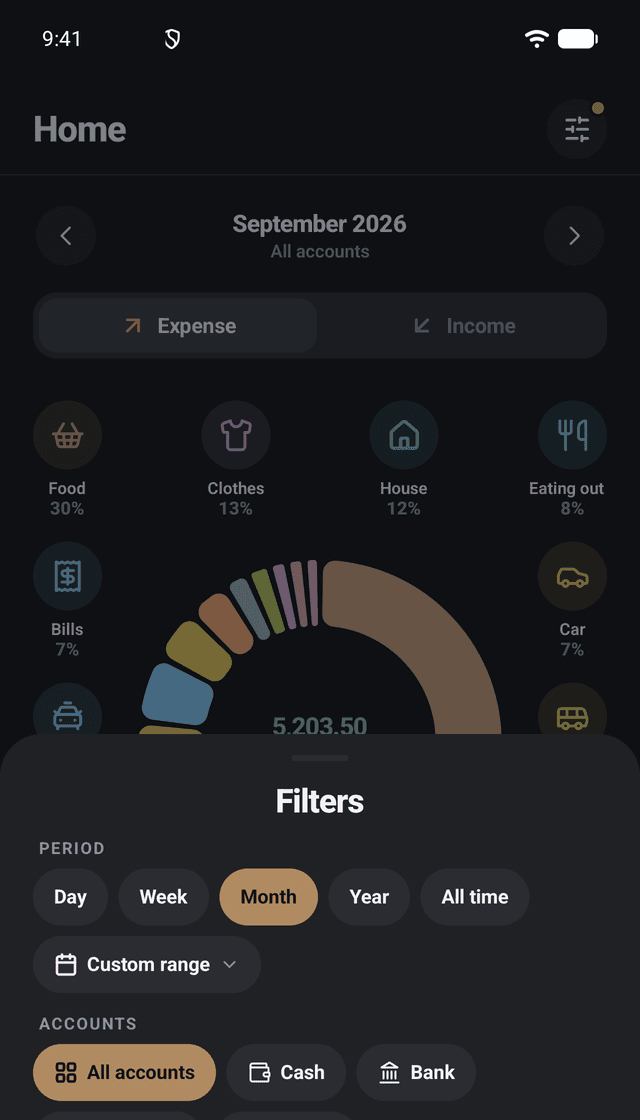
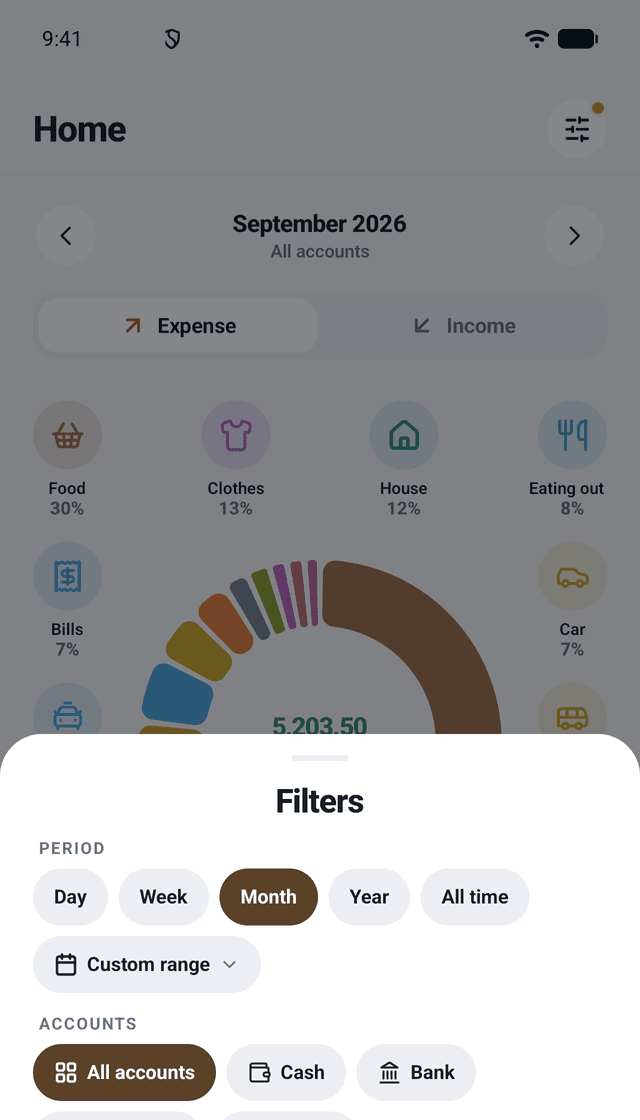
Day, week, month, year, all time or your own dates, by account and by currency. On account and category pages: type, categories, accounts and quick date ranges.
No account and no internet needed: every feature works on your phone from the first launch.
Each currency is kept on its own: never added together, never converted.
Sign in with Google to back up in the background and restore on a new phone, or save a backup file yourself. Export to CSV at any time.
Hide the amounts and lock the app with your phone's screen lock. No ads and no tracking.